
Great teams.
Less admin.
From the first roster to the last message of the day, bring your people, schedules and day-to-day operations together with Square's connected staff tools.
Put time back in your day.
Plan rosters, keep track of hours and give your team a simpler way to manage their working week — all connected with your Square POS and Dashboard.

The right access. For the right people.
Give team members the tools they need without handing over the keys to everything. Manage permissions, review activity and protect sensitive POS actions as your business grows.
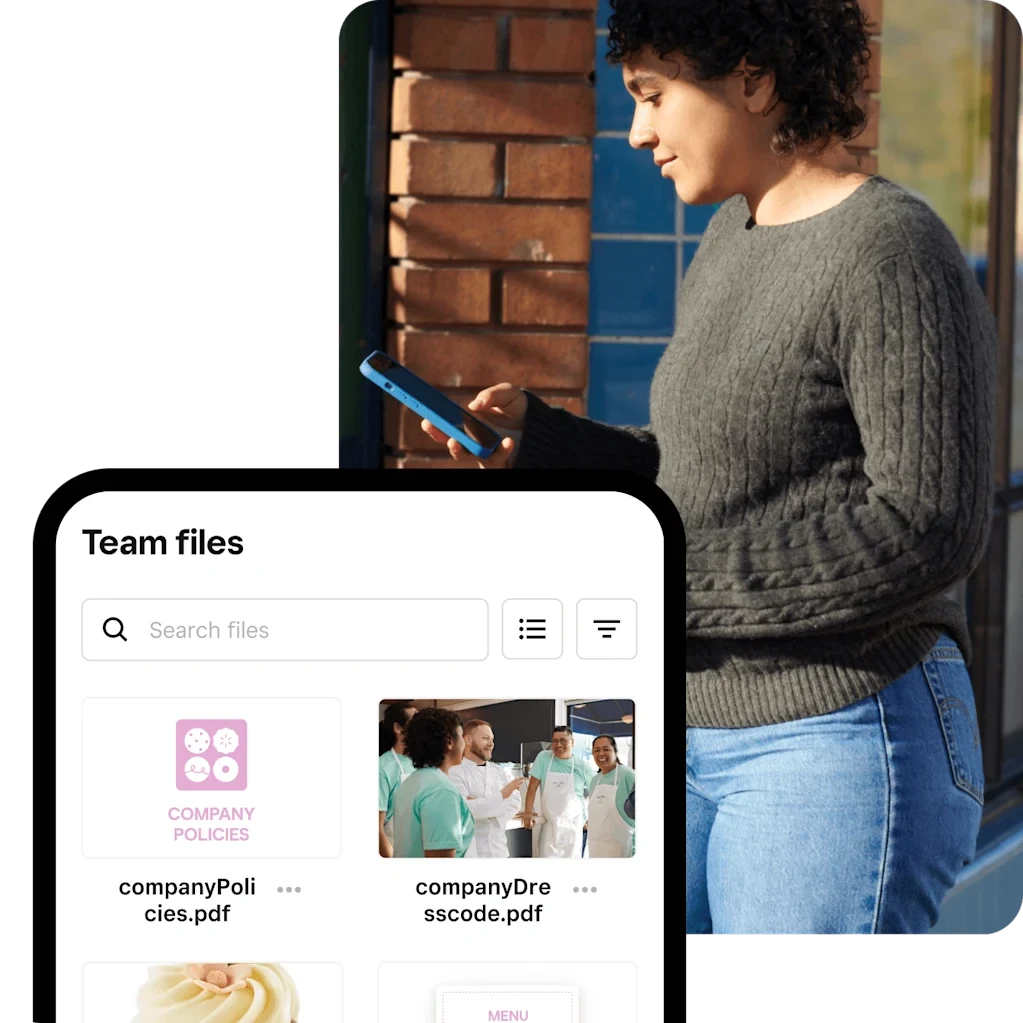
Keep everyone in the loop.
Keep conversations and important updates in one place, without juggling group texts, emails and scattered documents.
Whether it's a roster change, a policy update or a quick message between shifts, everyone has a clearer way to stay connected.
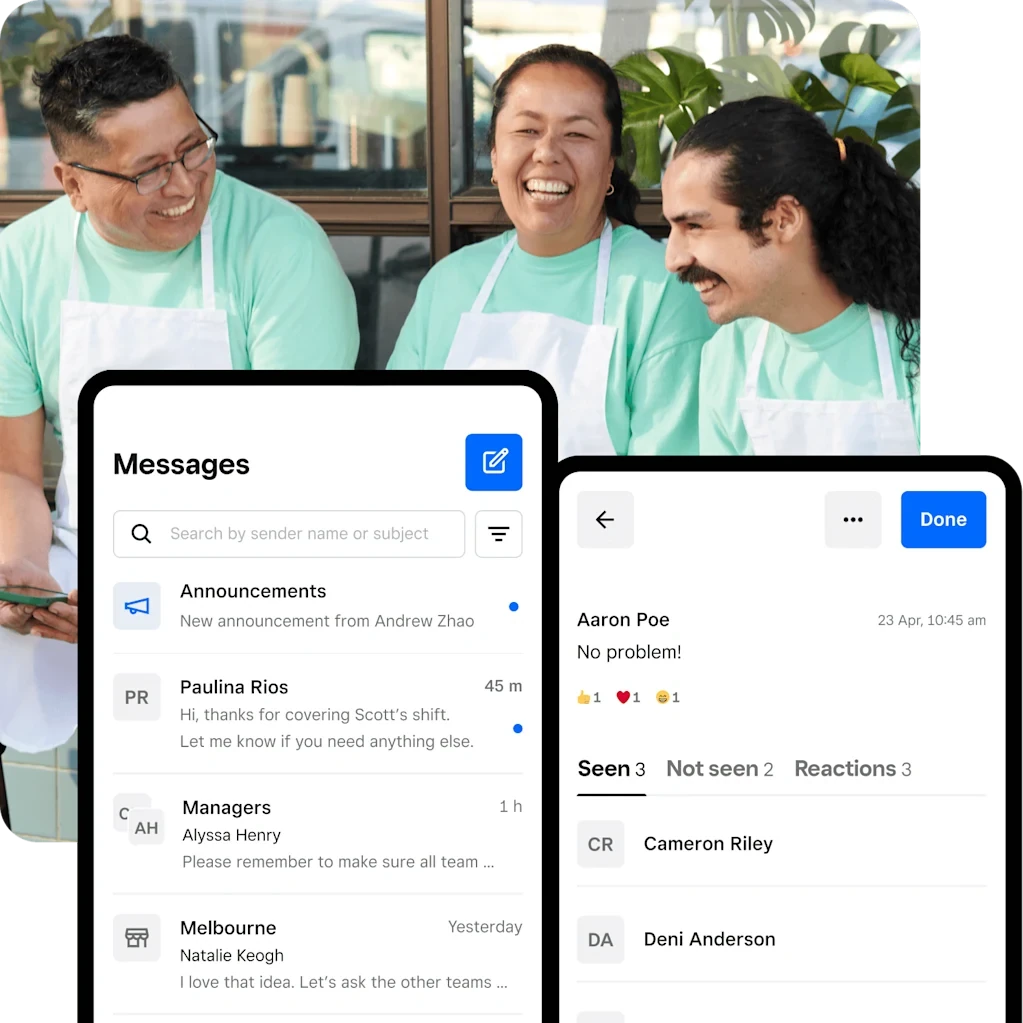
Everything your team needs to stay in sync.
Build the week.
Create and publish rosters, manage availability and let staff see when they're working.
Stay in control.
Track time and labour, set access permissions and review activity from your Square tools.
Keep moving.
Send updates, share team files and stay connected through the Square Team app.
Features, subscriptions and availability vary by Square product and plan. Square Shifts Free supports basic rostering and time tracking for up to five people, including the account owner. Square currently lists Shifts Plus from $5 per team member per month, Advanced Access at $35 per location per month, and Team Communication at $3.75 per team member per month. Feature availability and current pricing are determined by Square.
Let’s work out what fits.
Can staff clock in and out using Square?
Yes. Square Shifts supports time tracking through compatible Square POS devices and the Square Team app. Some features, such as geofencing, require an eligible paid plan.
Can employees swap shifts or request time off?
Yes. Shift swaps, time-off requests and open shifts are available with Square Shifts Plus or an eligible Square subscription, rather than the basic Shifts Free tier.
Want help choosing the right Square setup? Talk to Apex about your business, hardware and software options.
Talk to Apex →Less managing.
More doing.
Already using Square or thinking about switching? Apex can help you explore the right combination of Square payments, POS and staff tools for your business.
Explore Apex →Apex Payments is a Square partner. Square products and subscriptions are provided subject to Square's eligibility, availability and applicable terms.